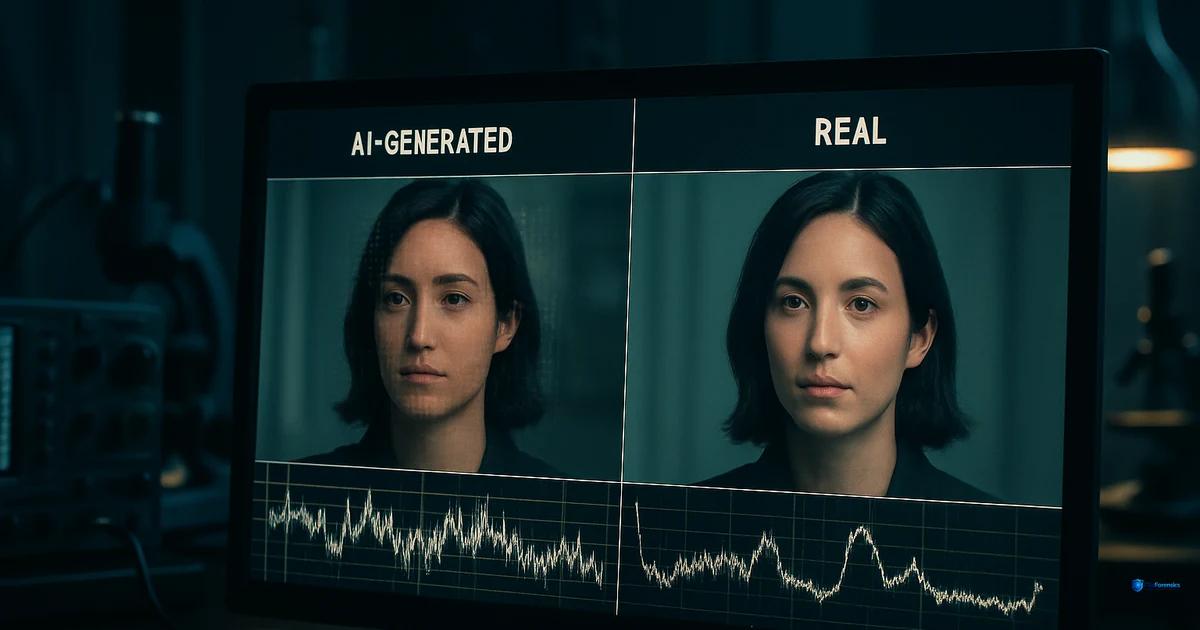
How to Tell if a Video Is AI Generated
A practical, pattern-by-pattern breakdown of the signs that reveal AI-generated video — from uncanny motion to telltale compression fingerprints.
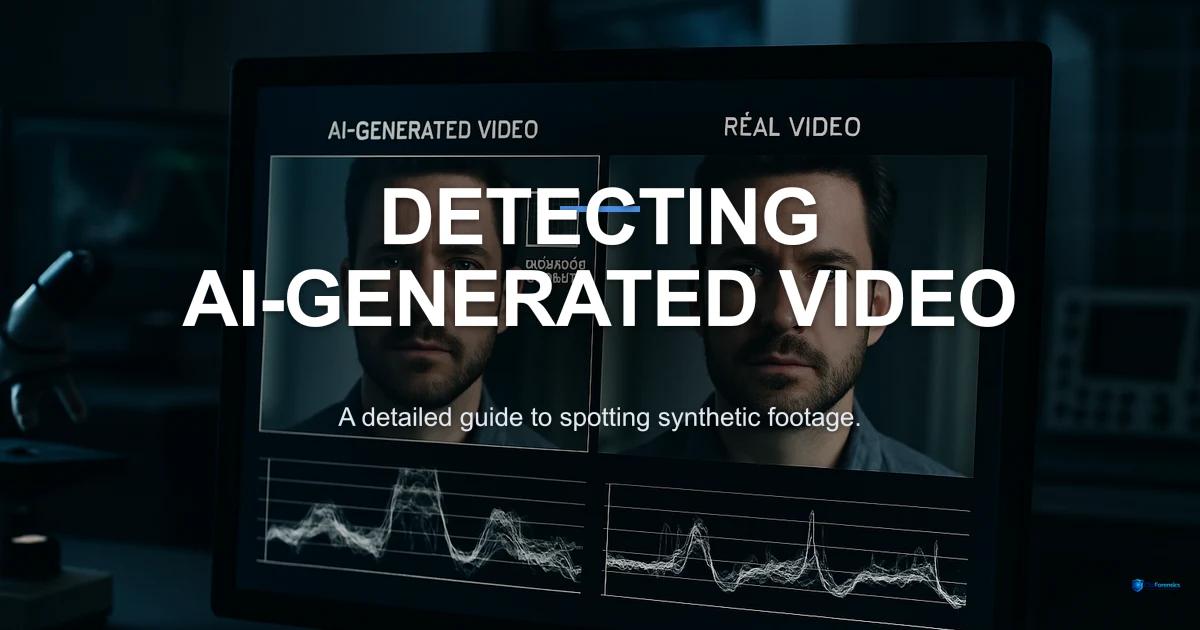
You are watching a video and something feels off. The motion is too smooth, the lighting too perfect, the hands briefly wrong. Is this AI-generated video detection intuition, or are you imagining things? The truth is that identifying AI-generated video has become genuinely difficult — but not impossible. The signals are there if you know where to look.
This guide breaks down the practical indicators that separate AI-generated video from camera-captured footage, organized from the most obvious tells to the subtle forensic signals that require tooling to detect.
Visual artifacts: what the eyes catch first
AI video generators have improved dramatically, but they still struggle with specific visual elements. Here is what to watch for:
Hands and fingers
Hands remain the most common failure mode. Watch for fingers that merge, split, or change count between frames. Nails may appear on the wrong side of fingers. Joints may bend in impossible directions. This is improving with newer models, but it remains a reliable first-check indicator.
Text and signage
AI generators struggle to produce coherent text. Look for signs, labels, or writing in the background — if the letters are garbled, asymmetric, or shift between frames, the video is very likely generated.
Facial details at edges
In face-swap deepfakes, the boundary between the inserted face and the original head/hair is the weakest point. Look for blending artifacts, color mismatches at the jawline, and hair that shifts unnaturally between frames.
Eye reflections
In authentic footage, both eyes reflect the same light sources. In GAN-generated faces, the reflections in each eye may differ — different shapes, different positions, or different numbers of highlight points. This is a subtle but reliable indicator.
Motion inconsistencies: when physics breaks
Video adds a temporal dimension that static images do not have. AI generators must maintain consistency across frames — and this is where many fail.
Object permanence
Objects may appear, disappear, or morph between frames. A bracelet visible in frame 10 may vanish by frame 20. Background elements may shift or change shape. Real cameras do not create or destroy objects.
Motion physics
Hair should follow gravity and momentum. Cloth should drape and flow based on body movement. Water should splash in predictable patterns. When these physics are violated — hair that floats without wind, cloth that passes through a body, water that flows upward — the video is suspect. ClipForensics's optical flow module specifically analyzes motion field consistency.
Biological motion
Human movement follows biomechanical constraints. Walking involves a complex interplay of weight transfer, arm swing, and head stabilization. AI-generated humans may walk too smoothly (no micro-corrections), display unnatural gait patterns, or show micro-expression timing that does not match the emotional context.
Lighting problems: shadows that lie
Consistent lighting is computationally expensive. Many AI-generated videos exhibit:
- Shadows pointing in different directions within the same scene
- Specular highlights that do not match the apparent light source
- Flat lighting on faces in scenes that should have directional light
- Inconsistent ambient occlusion between objects
- Light sources that shift position between frames
These inconsistencies are difficult to spot at playback speed but become obvious in frame-by-frame analysis or when analyzed by lighting consistency algorithms.
Voice synthesis clues: listening for the fake
Audio deepfakes often accompany video deepfakes, and the audio track can reveal manipulation even when the video looks convincing:
- Missing breath sounds: Real speech includes breath intake between phrases. TTS systems often omit or regularize breathing patterns.
- Prosody flatness: Cloned voices may lack the natural variation in pitch, rhythm, and emphasis that characterizes genuine speech.
- Lip-sync misalignment: Even small timing discrepancies between mouth movements and audio can indicate puppeteering.
- Room tone inconsistencies: The background ambient sound should be consistent throughout a continuous take. AI-composed audio often has different room characteristics in spliced segments.
Compression patterns: the forensic layer
Beyond what you can see and hear, the video file itself carries forensic information. This is where manual inspection gives way to tooling.
Metadata: AI-generated video often lacks the metadata that camera-captured footage contains — GPS coordinates, camera model, lens information, creation timestamps from the file system.
Compression signatures: Camera-recorded video uses specific encoders with characteristic bitrate patterns and GOP structures. AI-generated video encoded with generic tools produces different compression signatures.
Spectral analysis: Frequency-domain examination of frames can reveal generator-specific patterns invisible to the naked eye. GAN architectures produce characteristic high-frequency artifacts in the DCT and FFT domains.
Why manual checking is not enough
The visual indicators described above are useful for initial triage, but they are not reliable for definitive assessment. Here is why:
- Newer generators are fixing the most obvious visual tells
- Compression and resizing can introduce artifacts that mimic AI generation
- Confirmation bias affects manual assessment significantly
- Most forensic signals (spectral, compression, temporal) are invisible to the eye
This is why platforms like ClipForensics exist — to run 15 independent forensic modules simultaneously and produce evidence-based assessments with confidence intervals. The visual checks get you started; the forensic analysis gives you evidence.
Quick reference: AI video indicators
| Category | What to Look For | Reliability |
|---|---|---|
| Hands/fingers | Merging, extra digits, impossible bends | Moderate (improving) |
| Text in scene | Garbled, shifting, or nonsensical writing | High |
| Eye reflections | Mismatched specular highlights between eyes | Moderate |
| Object permanence | Objects appearing/vanishing between frames | High |
| Motion physics | Hair/cloth/water violating physics | High |
| Shadow direction | Inconsistent shadow angles in same scene | Moderate |
| Breath sounds | Missing or regularized breathing in speech | Moderate |
| Compression metadata | Missing camera info, generic encoder signatures | High (requires tooling) |
Frequently asked questions
Can I tell if a video is AI-generated just by watching it?
Sometimes. Obvious artifacts — mangled hands, garbled text, physics violations — are visible to the eye. But high-quality generators are eliminating these tells. Reliable assessment increasingly requires forensic tooling that analyzes signals invisible to human perception.
Are Sora and Kling videos detectable?
Text-to-video models like Sora and Kling are harder to detect than older face-swap deepfakes because they generate complete scenes rather than modifying existing footage. They still leave forensic signals — unusual noise distributions, temporal inconsistencies, missing metadata — but detection requires multi-signal analysis rather than single-feature checks.
Does uploading a video to social media make detection harder?
Yes. Social media platforms re-compress uploaded video, which can destroy subtle forensic artifacts. This affects both visual classifiers and compression forensics. Whenever possible, obtain the original file rather than a re-uploaded version.
What is the single best indicator of an AI-generated video?
There is no single best indicator — which is precisely the problem with single-signal detection. However, if forced to choose, temporal consistency (object permanence and motion physics across frames) remains one of the most reliable categories because maintaining perfect physical consistency across hundreds of frames is extremely difficult for current generators.
How does ClipForensics help with AI video identification?
ClipForensics runs 15 forensic modules covering all the categories described in this article — visual artifacts, temporal consistency, audio analysis, compression forensics, and more. Each module provides independent evidence, and the fusion engine combines them into a confidence-weighted verdict with full transparency into the reasoning.